
Description
Introduce Notification Boost Your Sales:
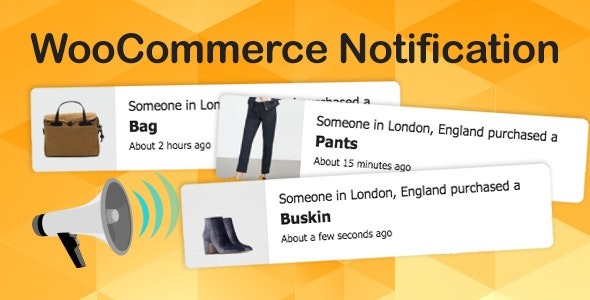
WooCommerce Notification displays recent orders as popup notifications on your store. It’s the online equivalent of a busy store and shows prospective customers that other people are buying your products.
- Increase conversion rate by highlighting other customers that have bought products.
- Display orders in real time for buyer validation and social proof!
- Create a sense of urgency for visitors, and expose new products!
Main feature Notification Boost Your Sales:
- Select orders to display: You can choose orders to display based on the order status. Included Complete, Processing, On hold, Canceled, Refunded, Pending payment, or Failed orders.
- Order Time: Select time and display orders from that time until now.
- Current Category: Notifications that are displayed on a category page are only related to the products of that category
- Product visibility: Products whose Product visibility is set will be displayed on the popup notifications.
- External link: This option works with External/Affiliate products allows redirecting to the External/Affiliate products page after clicking on the popup notifications.
- Exclude Products: Avoid the products you don’t want the notifications to be appeared on.
- Out-of-stock products: The option allows you to select to display out-of-stock products on the notification or not.
- Auto change virtual time. Auto display virtual time matched with your site timezone instead of the real-time of the order.
- Product image size: Flexible change the image size on the popup notification. That can be Shop thumbnail – 100×100; Shop catalog – 600xauto; Shop single – 900xauto.